

You’ve just settled onto the couch after a long day, ready to unwind with a movie, only to find yourself staring at five different login screens. Between the price hikes for Netflix and the sudden “extra member” fees on Disney+, your “affordable” cord-cutting habit now costs more than your old cable bill. You want to watch something great, but you’re tired of being nickel-and-dimed just to see a movie you’ve already seen ten times. It feels like every time you turn on the TV, another service is asking for ten dollars a month.
This article was written specifically for the viewer who is done with “subscription fatigue.” You shouldn’t have to choose between your grocery budget and your entertainment. There is a massive, legal world of high-quality content available right now that doesn’t require a credit card. I’ve tested these platforms across multiple devices to ensure they offer more than just public domain cartoons and low-budget infomercials.
What Are Free Streaming Services?
When we talk about free streaming services, we aren’t talking about those shady, pop-up-ridden websites that your nephew uses to watch sports. We are referring to legitimate, billion-dollar platforms owned by major media conglomerates. These services provide thousands of hours of premium content at no cost to you.
The trade-off is simple: instead of paying a monthly fee, you watch a few commercials. These are often called FAST (Free Ad-Supported Streaming Television) services. Think of it like traditional broadcast TV, but with the added power of “on-demand” viewing. You get the convenience of a modern app with the price tag of zero dollars.
Most of these services don’t even require you to create an account. You simply download the app on your Roku, Fire Stick, or Smart TV and hit play. They make their money through targeted advertising, which allows them to license major Hollywood films and classic TV series for your enjoyment.
Master NovaPG: High-Performance PostgreSQL Orchestration
Free Streaming Services Explained with a Real Scenario
Imagine it’s Friday night. You want to watch a classic 90s thriller, but it’s not on the two paid apps you keep. In the old days, you’d have to rent it for $4.99 on a digital storefront.
Instead, you open an app like Tubi or Pluto TV. Within thirty seconds of searching, you find the movie. You sit through one 30-second ad at the start, and maybe two more short breaks during the film. By the time the credits roll, you’ve enjoyed the exact same cinematic experience as a paid subscriber elsewhere, but you’ve kept that $5 in your pocket.
Over the course of a year, swapping just one or two rentals a week for these free alternatives can save you over $500. It’s the digital equivalent of finding a library that stays open 24/7 and lets you watch movies from your couch.
Step-by-Step Instructions: How to Build Your Free Streaming Hub
Setting up a “zero-dollar” entertainment center is easier than most people think. You don’t need a degree in IT; you just need a plan. Follow these steps to maximize your library without spending a dime.
-
Audit Your Hardware: Ensure you have a compatible device. Most free services work on Roku, Amazon Fire TV, Apple TV, Chromecast, and most modern Smart TVs (Samsung, LG, Vizio).
-
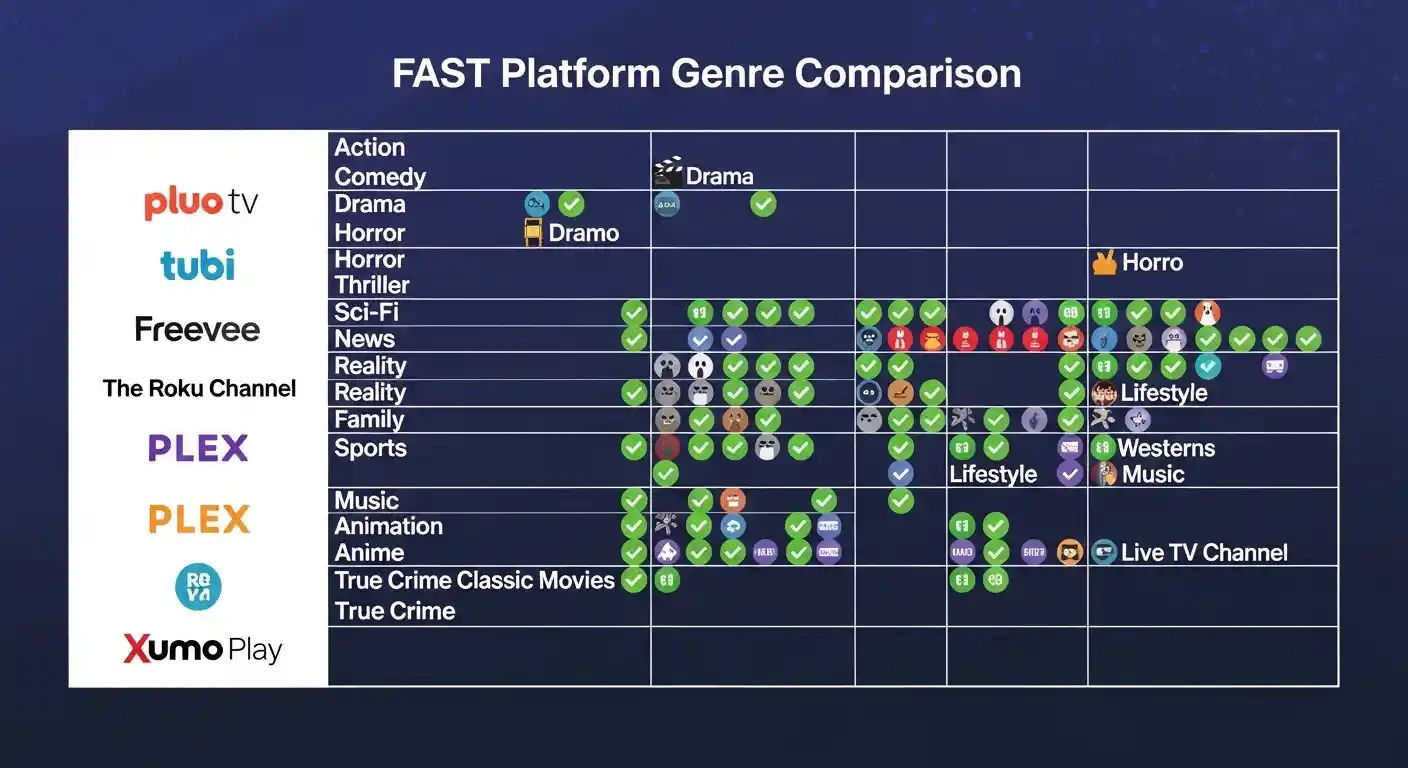
Download the “Big Three”: Start by downloading Tubi, Pluto TV, and Freevee. These are the pillars of free streaming. Tubi has the largest on-demand library, Pluto TV excels at “live” channel browsing, and Freevee offers high-end originals.
-
Check Your Local Library: Download the Libby or Kanopy apps. If you have a valid library card, these apps give you access to critically acclaimed indie films and documentaries that aren’t available anywhere else—completely ad-free.
-
Incorporate Network Apps: Many major networks like NBC, ABC, and PBS offer a rotating selection of their latest episodes for free on their dedicated apps. You usually just have to wait 24 hours after the original air date.
-
Organize Your Home Screen: Move all your free apps to the top row of your TV interface. This creates a psychological shift where you check the free options first before considering a paid rental.
Common Mistakes People Make
The biggest mistake people make is assuming free means low quality. Many viewers think these apps only host “B-movies” from the 1970s. In reality, you can find recent Oscar winners, hit sitcoms like The Jennifer Hudson Show or The Walking Dead channels, and even live news.
Another error is avoiding account creation. While many apps don’t require a login, creating a free account allows the service to save your progress. There is nothing more frustrating than being halfway through a movie on your TV and not being able to pick up where you left off on your tablet because the app doesn’t know who you are.
Finally, don’t ignore niche platforms. If you only stick to the biggest names, you might miss out on specialized free services that focus entirely on horror, British drama, or classic Westerns. Diversity is the key to a robust free-viewing experience.
Free Ad-Supported TV (FAST) vs. Subscription Video On Demand (SVOD)
Understanding the difference helps you manage your expectations regarding ad loads and content freshness.
| Feature | FAST Services (Free) | SVOD Services (Paid) |
| Monthly Cost | $0.00 | $9.99 – $24.99 |
| Ads | Periodic commercial breaks | Usually ad-free (on premium tiers) |
| Account Required | Often optional | Always required |
| Live Channels | Common (grid-style guide) | Rare (usually only on “Live TV” tiers) |
| New Releases | Typically older library content | Day-and-date originals |
| Device Support | Extremely wide | Extremely wide |
Pro Tips for the Best Free Streaming Experience
To truly master the art of free streaming, you need to think like a power user. Here are the “insider” strategies I use to keep my entertainment costs at zero.
-
Use a Dedicated Email: Create a separate “streaming-only” Gmail account. This keeps your main inbox clean from the newsletters and recommendations these services send out.
-
Leverage “Live” Channels for Decision Fatigue: One of the best parts of free services like Pluto TV is the linear channel guide. If you can’t decide what to watch, just flip through the “Star Trek” channel or the “24-hour Movie” channel. It removes the stress of infinite scrolling.
-
Pair with an Antenna: For the ultimate free setup, pair your apps with a $20 over-the-air (OTA) antenna. This gives you local sports and news in high definition, which are the two things free apps sometimes struggle to provide in real-time.
-
Watch the “Leaving Soon” Section: Free services have rotating licenses. Check the “Last Chance” category at the end of every month so you don’t miss out on a blockbuster before it rotates off the platform.
Frequently Asked Questions
Is it legal to use these free streaming services?
Yes, every service mentioned here is 100% legal. They pay licensing fees to movie studios and TV networks to host the content. They offset these costs by showing you advertisements, much like traditional cable or broadcast television.
Do I need a credit card to sign up?
No. A major red flag for “fake” free sites is asking for credit card info for “verification.” Legitimate free services like Tubi or Roku City will never ask for your payment details unless you are specifically trying to upgrade to a premium add-on.
Can I watch live sports on free streaming apps?
To an extent. You won’t usually find live NFL or NBA games on these apps. However, you will find 24/7 sports news, classic game replays, and niche sports like MMA, pro wrestling, and extreme sports. For local live sports, an antenna is your best companion.
What internet speed do I need for free streaming?
Since these apps use the same technology as Netflix, you need at least 5 Mbps for standard definition and 25 Mbps for 4K/UHD content. Most modern home internet plans are more than sufficient.
Are there parental controls on these apps?
Yes. Most reputable free platforms allow you to set a PIN or restrict content by rating (G, PG, TV-14, etc.) within the settings menu. This is particularly useful for apps like YouTube Kids or the family sections of Tubi.
One Final Thought for Your Wallet
The era of paying $150 a month for a thousand channels you never watch is over. By embracing free streaming services, you are taking back control of your media consumption. You don’t need every single subscription to stay culturally relevant or entertained.